


What's new in TOPdesk: a stronger knowledge base and AI that actually delivers
Last updated: July 27th 2026
Stay informed: Subscribe to this post and automatically receive updates
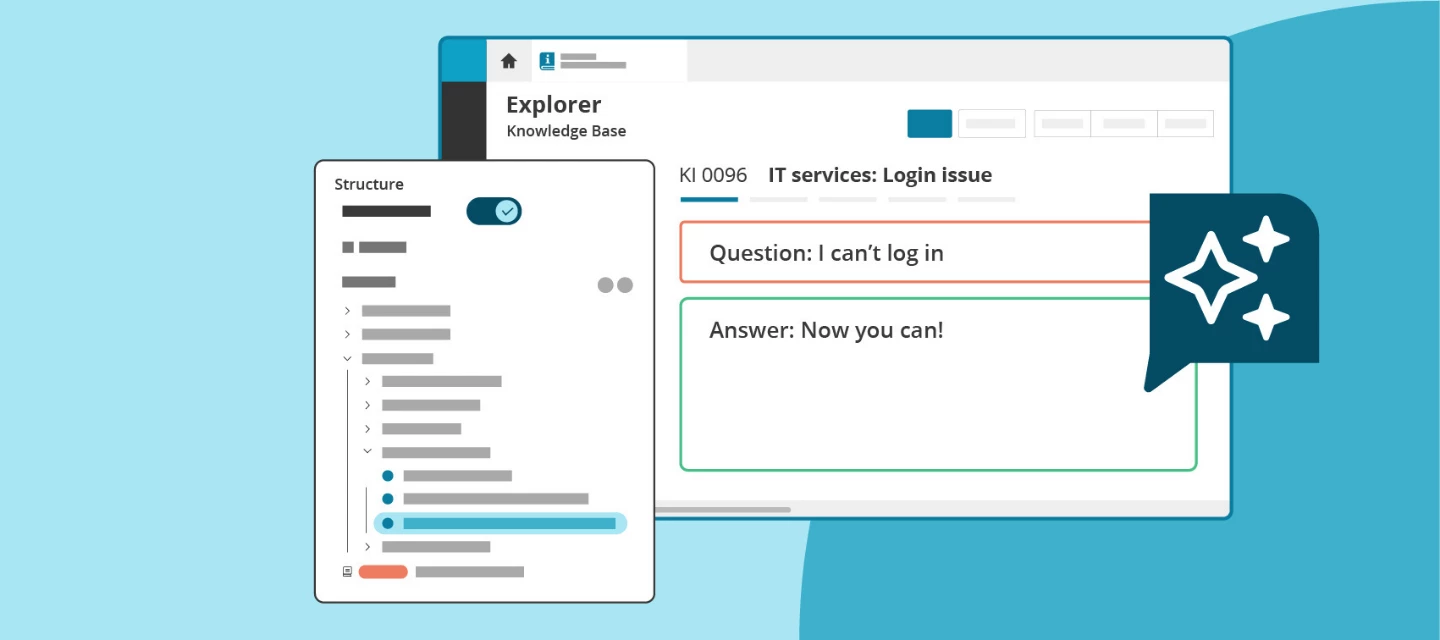
Organizations everywhere are racing to adopt AI and many are about to hit a wall. Not because the technology doesn't work, but because AI is only as good as the knowledge behind it. A thin, unstructured, or outdated knowledge base doesn't just slow your team down. It makes your AI investment worthless.
There's a right way to get ready for AI, and it starts with fixing the foundation.
Today we're releasing a set of updates that tackle both sides of that equation: a redesigned Knowledge Base to get the foundation right, and three AI features in the incident card to take it from there.
What's new?
New Knowledge Base Explorer — all customers
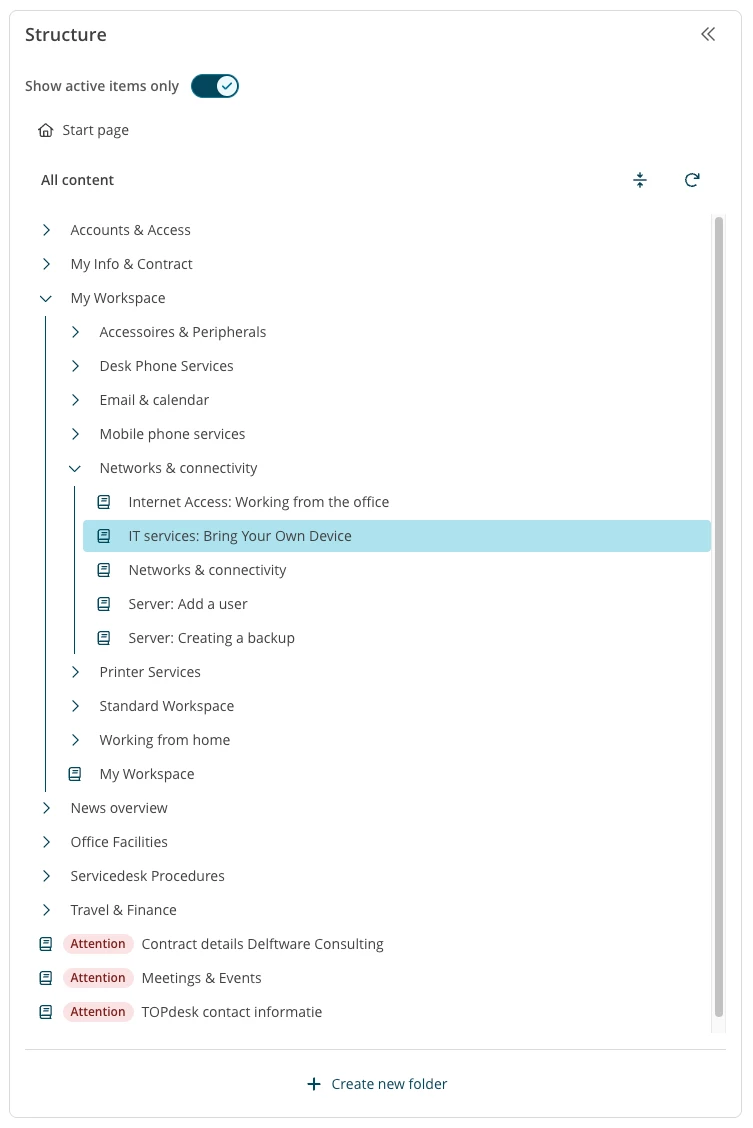
The Knowledge Base Explorer has been fully redesigned. Real folders replace the old empty-article workaround. An archive filter keeps active and outdated knowledge separate. Moving items is intuitive. And a clearer translation indicator helps multilingual teams stay on top of what still needs attention.
A well-structured knowledge base is the foundation for faster service, fewer incoming incidents, and AI features that actually deliver. This is where it starts.
Note: switching to the new Explorer requires a one-time migration. A built-in migration guide walks you through it step by step.
AI Translation — Excellent
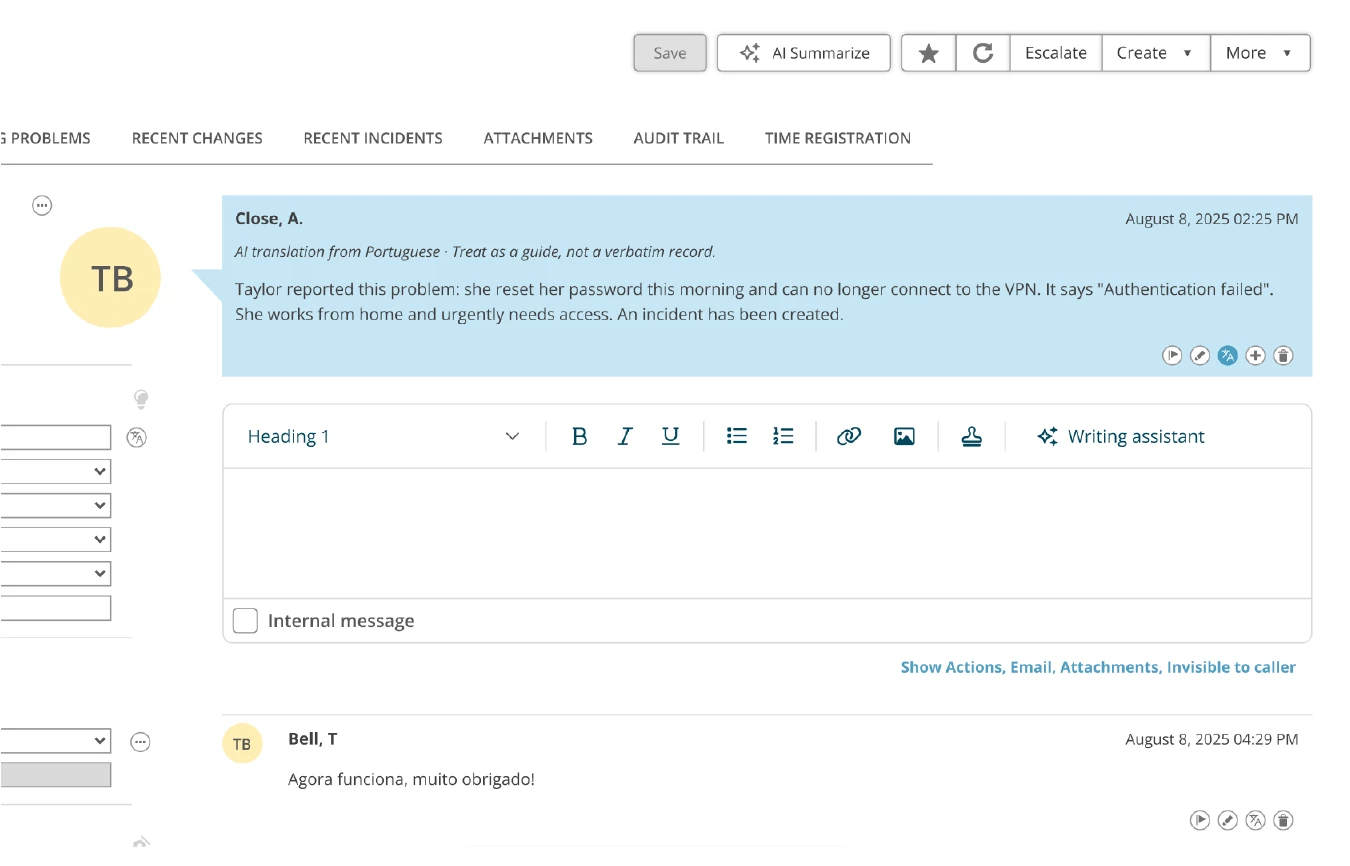
Don't speak French? No problem. One click and the full ticket content is in your own language, so you can help the person who wrote it in theirs, without ever opening Google Translate.
Language is no longer a barrier for your team, no matter how many languages your service desk supports.
AI Answer Assistant — Excellent
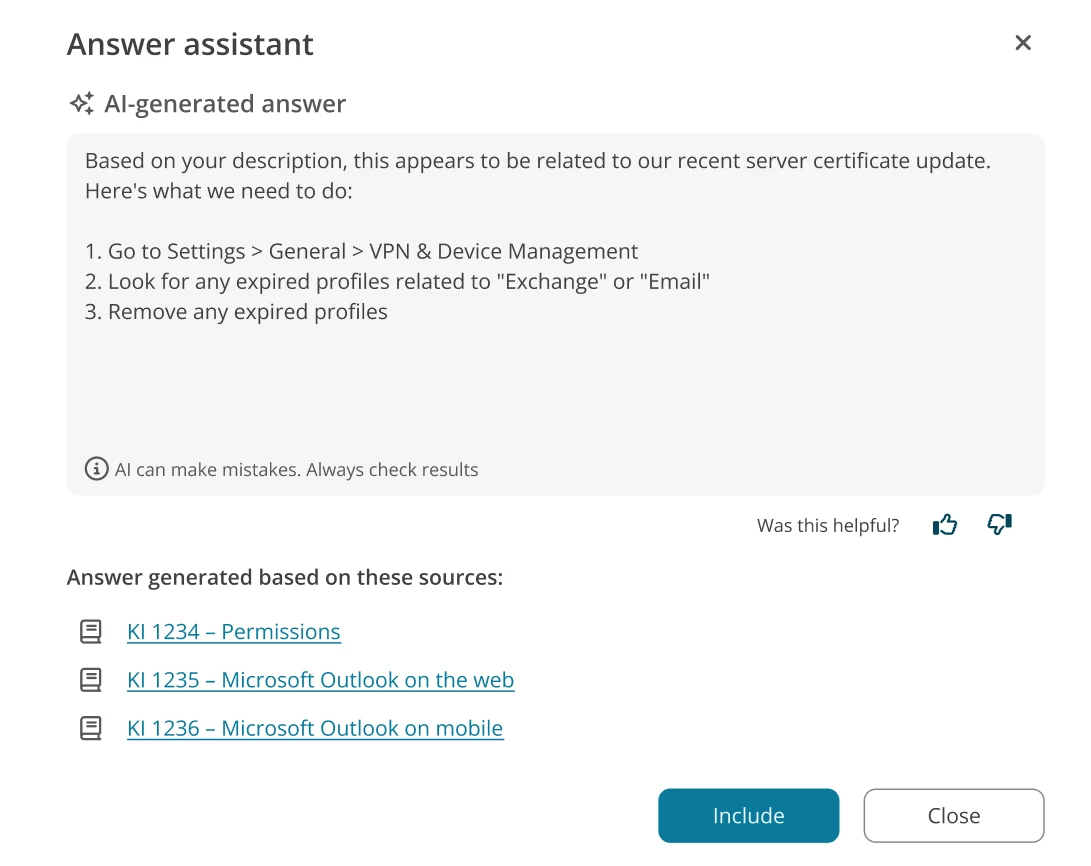
Stop writing the same answers from scratch. Click Suggest Answer and AI pulls a ready-to-use draft from the matching knowledge item in your knowledge base, right there in the incident card.
Operators stay in control: review, adjust, and send when ready. Nothing is sent automatically.
The better your knowledge base, the better the suggestions. The two work together.
AI Writing Assistant — now also in the incident card — Excellent
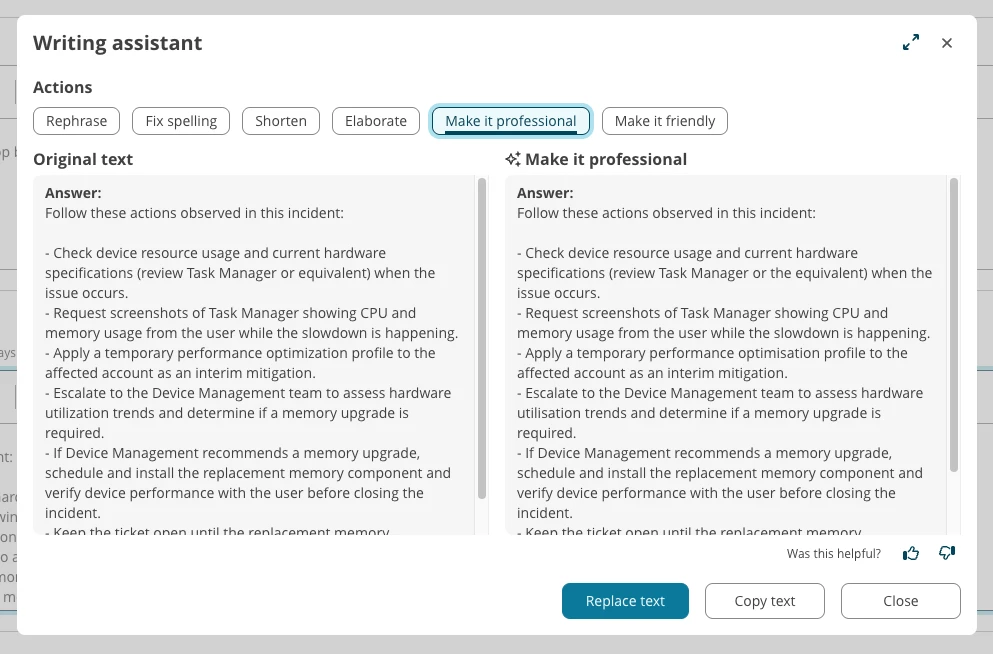
The AI Writing Assistant was already available for knowledge items. Now it's in the incident card too.
Not sure if your reply is too technical, too blunt, or just too long? Click the Writing Assistant button and get a clearer, more professional version in seconds, without leaving TOPdesk.
Read the full product update
Not sure where to start? We can help.
Getting your knowledge base AI-ready doesn't have to be a big-bang project. Our Knowledge Management Service lets you work with a TOPdesk consultant to assess your current setup, improve the structure, and get things in shape, whether you're starting from scratch or cleaning up what's already there.
On Demand webinars
Want to see all the new features in action? Watch this On demand webinar for a live walk-through of everything that's just been released with time for your questions. Register here
How to set up your knowledge base for AI success
Want to see what good knowledge management looks like in practice and how it directly unlocks your AI features? A practical walk-through: no fluff, just what works. Register here
When will this be available in your environment?
These features are rolling out now. It may take a few weeks before everything is visible in your environment. Here's how to check:
- See a new AI feature in AI settings? → It's available and you can activate it.
- Don't see it yet? → The rollout is still in progress, or your current plan doesn't include it yet.
Questions about availability? Reach your account manager, contact TOPdesk Support, or email productupdate@topdesk.com .