


AI Writing Assistant: Clear, Polished Text in Seconds
Updated: June 30th 2026
Some days, writing a clear message just flows. Other days… not so much.
Not sure if your reply is too technical, too blunt, or just too long? The AI Writing Assistant rewrites your draft in seconds — friendlier, shorter, or more professional, whatever you need. Now everyone on your team writes clearly, without agonising over every sentence.
What the AI Writing Assistant does
Write in your own words, short notes, bullet points, or a full draft. Click the Writing Assistant button, and AI instantly improves:
- grammar and spelling
- clarity
- tone of voice
You stay in full control. Review the suggestion, tweak where needed, and send or publish with confidence. No copy-pasting to external tools, no switching between windows.
Now available in the incident card
The AI Writing Assistant is now available in two places:
Incident Management
Operators write a first draft fast and then rewrite it again and again to get the tone right or make it easier to understand. That rewriting takes time, and quality varies across the team, especially when tickets are stacking up. Non-native speakers and technical staff often struggle most to phrase things in language users actually understand.
With the Writing Assistant in the incident card, anyone on your team can write a clear, professional reply, regardless of how confident they are as a writer.
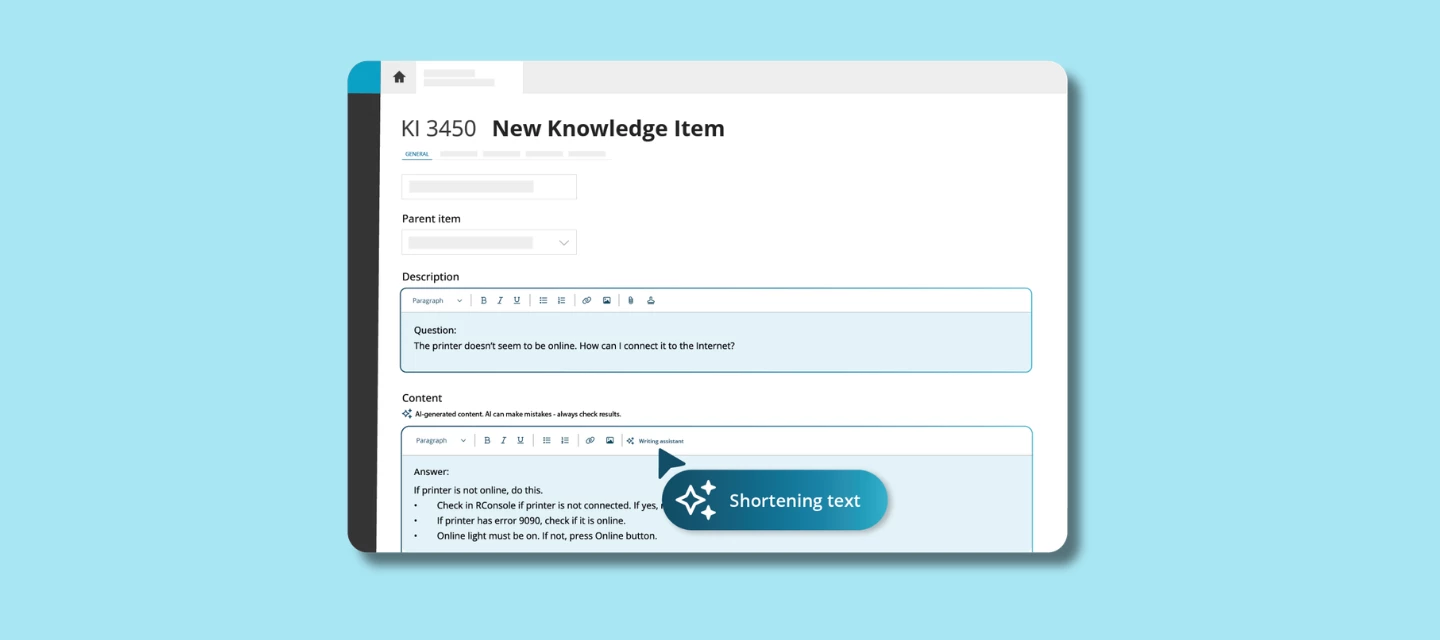
Knowledge Base
The same goes for knowledge items. A rough draft with uncertain wording and a few typos becomes a polished, consistent article in seconds. Better knowledge items also mean better AI Answer Assistant suggestions, so the quality compounds.
Why this helps your team
- Write confidently, even when writing isn't your strong suit
- Consistent communication across your team, regardless of who replies
- No switching tools, everything happens inside TOPdesk
- Especially useful for non-native speakers and technical staff
Built on TOPdesk’s AI philosophy
The Writing Assistant follows the same principles as all TOPdesk AI features:
- Easy to adopt: works inside TOPdesk, no big setup needed
- You stay in control: AI suggests, the operator decides
- Your data stays protected: never used to train external models
- Designed to help from day one: meaningful support without process overhauls
How to get started
The AI Writing Assistant is available as part of the Excellent plan. You'll find it directly in the incident card and in the knowledge base, no additional setup needed.
You’ll find the setup steps and documentation here
What do you think?
Have you tried the Writing Assistant in the incident card yet? We'd love to hear how it's landing with your team, share your experience in the comments below.