
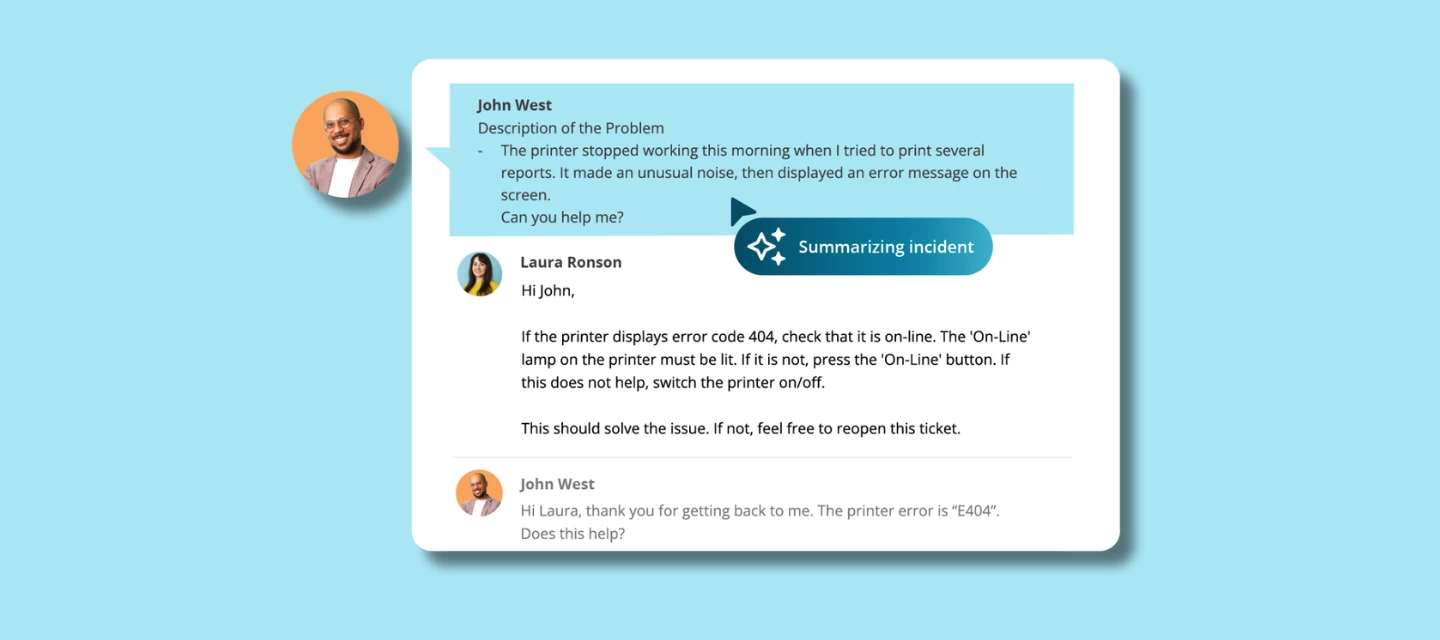



Let’s be honest: some tickets are… a lot.
Long descriptions, multiple back-and-forth messages, several attempted fixes and before you actually understand what’s going on, you’ve spent minutes scrolling through history. Or worse: you miss something important altogether.
That’s exactly the problem Incident Summarization solves.
From reading everything to understanding instantly
Complex tickets often come with long histories. Multiple messages, context spread over time, and details you need to piece together before you can even start helping.
AI Summarization changes that moment. With one click on Summarize, the AI gives you a clear overview of the issue, what’s already been done, and where things stand right now, so you understand the situation at a glance, without reading everything first.
Get up to speed without the admin overhead
This is especially valuable when tickets change hands or resurface after a while. Whether you’re picking up work from a colleague or returning to a ticket days later, the summary helps you get back into the flow quickly and confidently.
AI Summarization doesn’t replace your expertise, it removes the admin work around it. Less time spent reading, more time spent solving.
Why this feature makes life easier
- Save time on complex ticket handovers
- Understand context without reading long, detailed messages
- Get straight to solving instead of digging through history
- Keep summaries available inside the ticket for the next person. No need to repeat the work
Incident Summarization doesn’t replace your expertise; it removes the admin overhead so you can focus on actually solving the problem.
Built on TOPdesk’s AI philosophy
Just like our other AI features, Incident Summarization follows the same principles:
- Easy to adopt: built into TOPdesk, no extra setup
- Your data stays protected: never used to train external models
- You stay in control: AI supports you, you decide what to use
AI shouldn’t be a black box; it should simply help you work smarter.
How to enable this feature
Availability: This feature is part of the Excellent package and also includes access to Incident Categorization and Knowledge Item Generation.
Curious how to enable Incident Summarization for your team? You’ll find a clear walkthrough in our AI feature documentation, including how to activate the Summarize button and where summaries appear in the ticket flow.
👉 https://docs.topdesk.com/en/ai-features.html
It’s quick to set up, so you can start saving time on complex tickets right away.
What’s your take?
Tried the Summarize button yet? Did it speed things up for you or your team?
Or do you already see new use cases where this could save even more time?
Share your thoughts or experiences in the comments. We’d love to hear how this feature is helping you in the real world.