


Find answers faster with AI Search in the new Self‑Service Portal
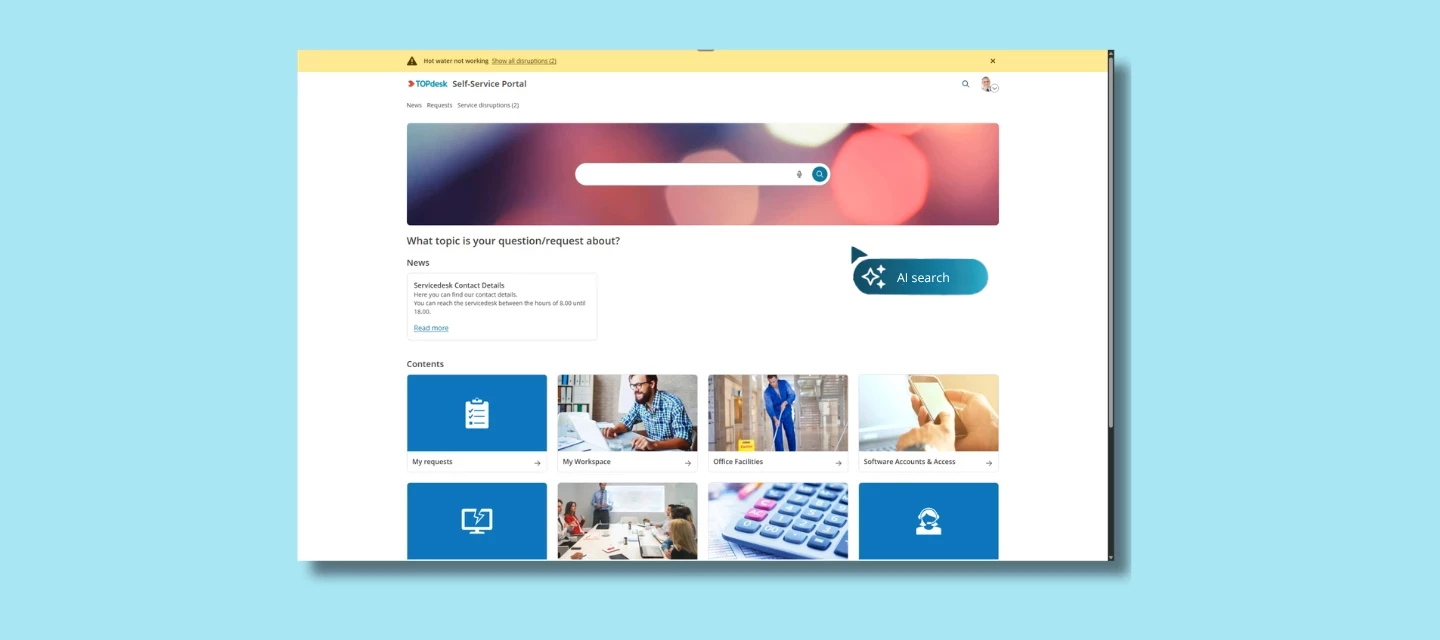
Searching the Self-Service Portal shouldn’t feel like guesswork. But many users don’t know the exact keywords to type or where to click — so they browse through tiles, open multiple categories, and still can’t find what they need.
The result? Frustrated users and unnecessary contact with your service desk.
With AI Search in the new Self-Service Portal, that changes.
Let users search in their own words
Instead of relying on exact keywords, users of the portal can now type their question naturally. Think:
“VPN not working from home”
“I can’t access shared folders”
“How do I update my password?”
AI Search understands the intent behind the question and shows the most relevant knowledge items — even when the wording doesn't match exactly.
Before vs. After
Before, a user would try a keyword search, struggle to find the right terms, click through tiles, and eventually give up and contact the service desk — leaving operators to handle a question that could have been self-served.
After, a user types their questions in natural language. AI Search understands the intent and shows the most relevant knowledge items, so the user can solve the issue independently. No ticket is needed.
Why this matters
Users no longer need to guess the right keywords — AI Search understands what they mean, not just what they type. It's a smoother, more modern self-service experience that leads to fewer avoidable tickets, freeing operators to focus on more complex work.
A modern search experience for a modern SSP
AI Search is part of a broader update of the Self-Service Portal designed to feel clearer, faster, and more intuitive.
Early testers have already noted how much easier it is when the SSP understands intent instead of keywords.
Built on TOPdesk’s AI philosophy
AI Search follows the same principles behind all TOPdesk AI features, designed to help you adopt AI confidently and responsibly.
- Easy to adopt: works inside TOPdesk, no big setup needed
- You stay in control: AI suggests, the operator decides
- Your data stays protected: never used to train external models
- Designed to help from day one: meaningful support without process overhauls
How AI Search compares to Classic Search
AI Search focuses on the essential self-service flow: finding answers to common questions quickly and intuitively. It works on knowledge items.
The classic search still covers everything else in the portal — services and forms, news, active major incidents, documents, requests, phonebook, visitors, and reservations — so users have a single place to find what they need, whether or not AI Search handles it.
Availability & Requirements
- AI Search is available for the Engaged package
- The new Self-Service Portal must be active. AI Search is not available in the classic SSP.
How to enable this feature
You can find all setup steps and documentation here:
👉 https://docs.topdesk.com/en/ai-features.html
What do you think?
Have you already explored AI Search in the new SSP? Did users find answers more easily? Or did something unexpected come up?
We’d love to hear your experiences, questions, or suggestions in the comments.