


The TOPdesk MCP is live
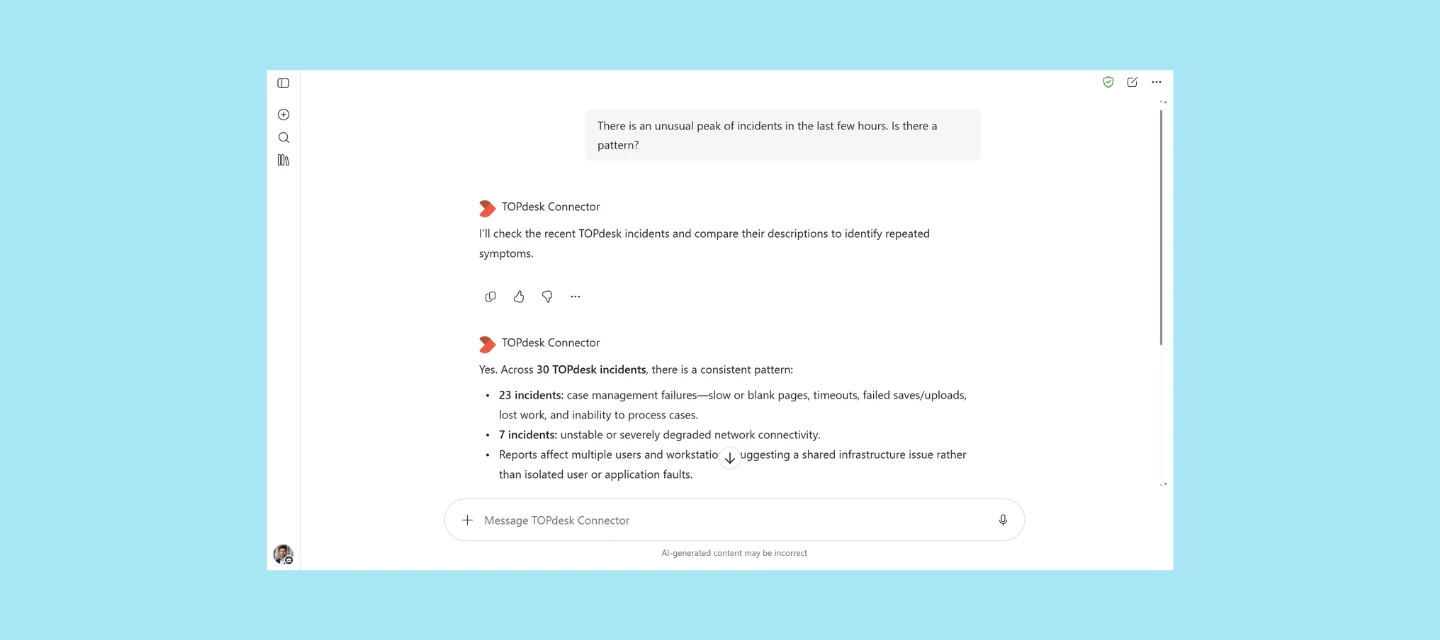
Your team probably already asks Copilot, Claude or ChatGPT for help every day. From today, they can do that with your own TOPdesk data too, through the TOPdesk MCP. It’s available for all customers on TOPdesk Excellent.
What you can do with it
Ask your AI tool “Is ticket I 2310 834 still open, and who’s working on it?” or “Summarize KI 0001 in three bullet points”, and get the answer straight from your own TOPdesk data.
For now, it works with your tickets and your knowledge base. Your AI tool can list and look up tickets, and answer questions about a knowledge item when you give its number. Asking open questions across your whole knowledge base is coming soon.
The MCP is read-only and limited to your own environment. There’s no custom connector to build and nothing reaching further than it should.
You stay in control
Your application manager decides what the AI tool can access, and each user only sees what their own TOPdesk permissions allow. Every action is recorded in the MCP audit log, so you can always see what happened.
How to get started
You’ll find the connection details in your TOPdesk environment. The TOPdesk MCP server documentation walks you through the setup step by step. Using Microsoft Copilot? Follow Using the TOPdesk MCP agent in Microsoft Copilot.
Not on Excellent?
You can connect AI tools to TOPdesk on any plan. The REST API is available in Essential, Engaged and Excellent, and some of you already run your own MCP connector on it. Feel free to keep doing that. Excellent is for organizations that want TOPdesk to build, secure and maintain the governed connection for them.
Tell us how you’ll use it
Which question would you ask your AI tool first? Share it in the comments, or read more in our earlier post.