


How to easily log in to the TOPdesk Community (with your MyTOPdesk account)
Good news: if you already have a MyTOPdesk account, there’s no need to create a new one for the TOPdesk Community. You can simply log in using the same details.
You’ll be up and running in just a few clicks
How to get started
Go to the Community and select Login in the top right corner.
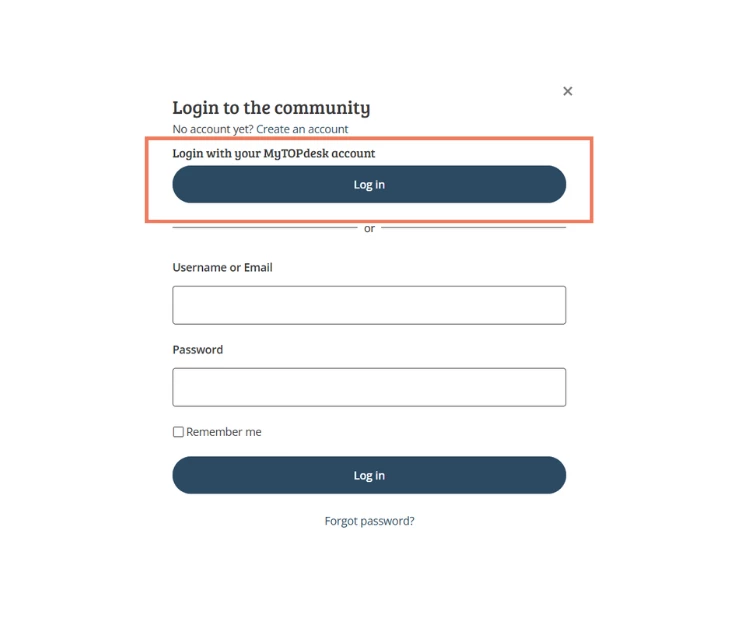
Choose Login with MyTOPdesk → AD LDS
Log in using your familiar MyTOPdesk credentials.
The first time you log in, you’ll be asked to choose a username and enter the email address you use for MyTOPdesk.
Select Login… and you’re in!
No MyTOPdesk account?
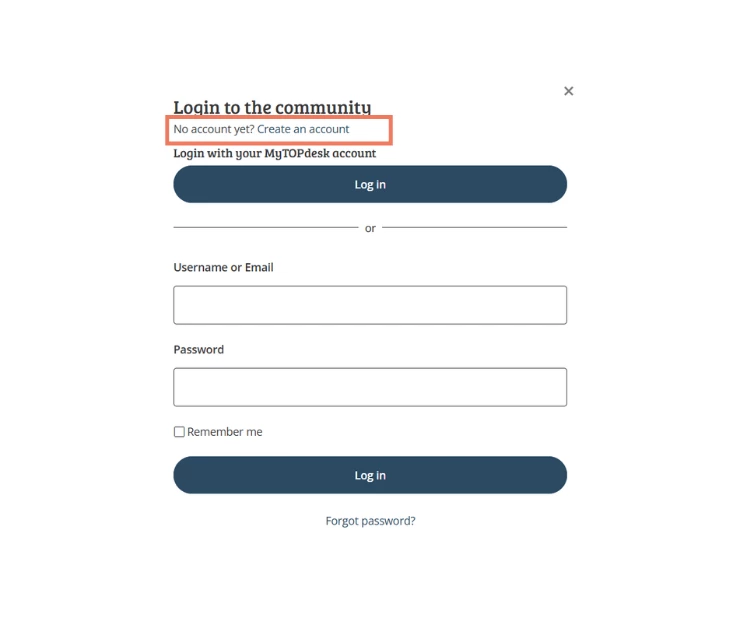
No problem: on the same page, choose Create account and sign up using your business email address. You’ll get access to the Community right away.
Good to know
Your username will be visible in the Community, so pick something that represents you—your name or a recognizable variation is always a good choice.
Why this is helpful
Logging in with MyTOPdesk keeps things simple—there’s no extra account to manage, making it easy to get started. From there, you can jump straight into asking questions, sharing experiences, and learning from other TOPdesk users.