


Switching to the new SSP? Here's how to prepare your end users
The new SSP looks and feels different from the classic portal. For most end users, that's a good thing but "different" without any context creates confusion and unnecessary support tickets. A little preparation goes a long way.
If you're planning to switch, or are already considering it, here's a step-by-step approach to make the transition smooth for the people who matter most: your employees.
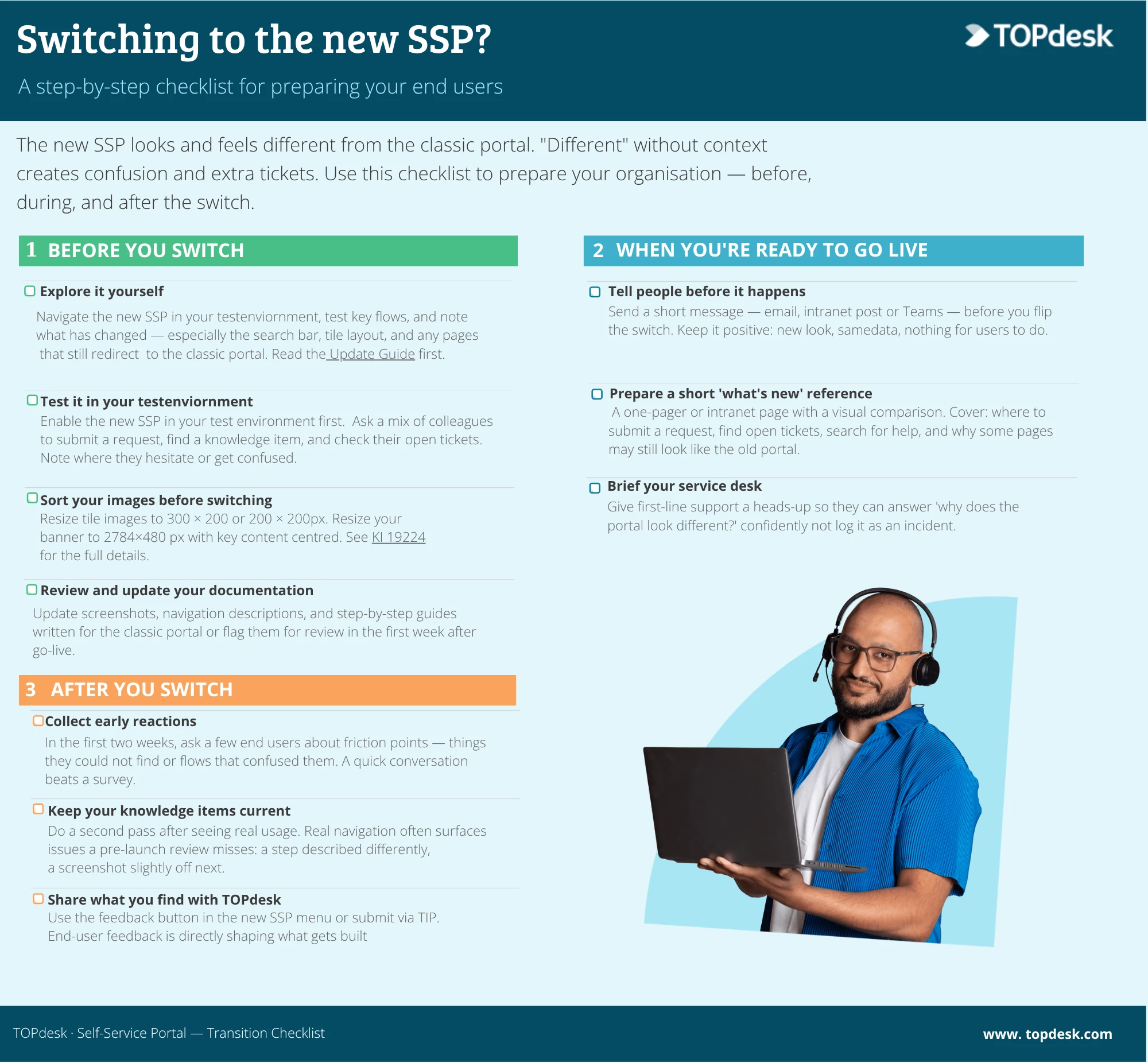
Before you switch
Explore it yourself first
Don't switch before you've spent meaningful time in the new SSP yourself. Navigate it, test it, and note what's changed, especially where the search bar sits, how the tile layout looks, and which pages still temporarily redirect to the classic SSP (like reservations management or certain forms). The Update Guide is your starting point. It tells you exactly what's ready, what isn't, and what to prepare before you go live. Read it before you do anything else.
Test it in your test environment first
Got a test environment? Use it before you make the switch. Enable the new SSP there and run through the most common tasks: submitting a request, looking up a knowledge item, checking open tickets. That way you'll spot any issues — like images that don't transfer cleanly — before your employees encounter them. Happy with what you see? Apply the same settings in your production environment and get ready to go live. Keep in mind that once you flip the switch, it applies to everyone at once — so the more you test upfront, the smoother your go-live will be.
Sort your images before switching
Images from the old SSP don't always transfer cleanly to the new one. Before you switch, resize your tile images to 300×200 or 200×200 px and your banner to 2784×480 px, keeping key content centered. Doing this before you go live means your employees see a clean portal from day one. KI 19224 has the full details.
Review and update your documentation
If you have documentation (perhaps even knowledge items in TOPdesk) that explain how to use the SSP, how to submit a request, where to find open tickets, how to search for help, check them before you switch. Screenshots, navigation descriptions, and step-by-step instructions written for the classic portal will be wrong the moment you go live on the new one, and outdated guidance is a quiet but persistent source of end user confusion. Update them before switching, or at minimum flag them for review in the first week after go-live.
When you're ready to go live
Tell people before it happens
A portal that suddenly looks different with no warning will generate confusion and support calls. Send a short message like an email, intranet post, Teams message, before you flip the switch. Keep it simple and frame it as good news:
"Our IT portal is getting a fresh new look. From [date], you'll notice a cleaner design, a more prominent search bar, and easier navigation. Your requests, tickets, and history are all still there — nothing you need to do, just a heads up that things will look a little different."
Prepare a short 'what's new' reference
A simple one-pager or intranet page with a quick visual comparison and a few bullet points goes a long way. Cover where to submit a request, where to find open tickets, where to search for help, and what to do if they land on a page that still looks like the old portal because that will happen, and it's normal.
Brief your service desk
Your first-line support team will be the first to hear end user confusion. Give them a heads up before you switch so they can answer "why does the portal look different?" confidently, rather than logging it as an incident.
After you switch
Collect early reactions
In the first two weeks, actively ask a few end users how it's going. You're looking for friction points, things people couldn't find, flows that confused them, not just general sentiment. A quick conversation tells you more than a survey.
Keep your knowledge items current
Once you've seen how end users navigate the new SSP, do a second pass on your knowledge items. Real usage often surfaces things a pre-launch review misses, a step that's described differently, a screenshot that's slightly off, a flow that's changed. Keeping these current reduces repeat questions to your service desk and helps employees help themselves.
Share what you find with TOPdesk
If your end users point to something that feels broken or unclear, use the feedback button in the new SSP menu or submit it via TIP. End user feedback is especially valuable right now, it's directly shaping what gets built next.
Not ready to switch yet? That's fine too.
The new SSP is optional and reversible. If your test group isn't ready, or your organization is in a busy period, it's completely valid to wait. Come back to the Update Guide whenever you revisit the decision, it's kept up to date as the new SSP evolves.
How did you handle it in your organization?
If you've already made the switch, or even just started testing, we'd love to hear how you approached it. Did you send a communication to your end users beforehand? Did something work really well, or catch you off guard? The more we share with each other, the smoother it gets for everyone still preparing.
Drop your tips, experiences, or questions in the comments below.