


Translate any post or comment in the Community
The Community brings together members from many countries, so posts and comments don't always appear in your language. You can translate any of them in a couple of clicks. Just make sure you're logged in first.
Translating a post
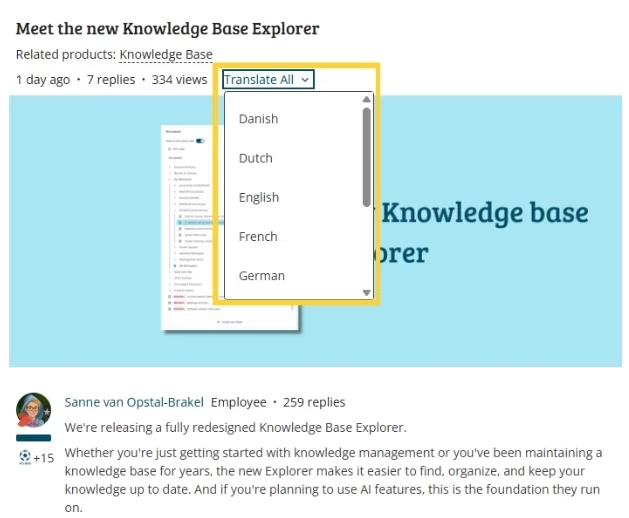
At the top of every post, including product updates and discussions, you'll see a Translate option. Click it, pick your preferred language, and the post translates automatically.
Translating a comment
Underneath each comment or reply, you'll find the same option — handy if a discussion takes off in a language that isn't yours.
Supported languages
Danish, Dutch, English, French, German, Hungarian, Norwegian, Portuguese, and Swedish. Is your language not on the list? Email TOPdeskCommunity@topdesk.com and let us know.
The Community works best when everyone can join in, whatever language they're most comfortable in. If a translation doesn't look quite right, or you have suggestions, we'd love to hear it.