

Question

Displaying Assets' Summary info in Stock Rooms

  • April 9, 2026
  • 1 reply
  • 16 views

AlexHenderson
Forum|alt.badge.img+1

Good morning Community,

We have a few stock rooms for “unassigned computers” or “loan laptops”. When I look in these stock rooms I can only see a list of asset IDs, where it would be really helpful to see the assets’ summary info (make, model, computer name, etc). Has anyone come across this before and maybe found a work-around?
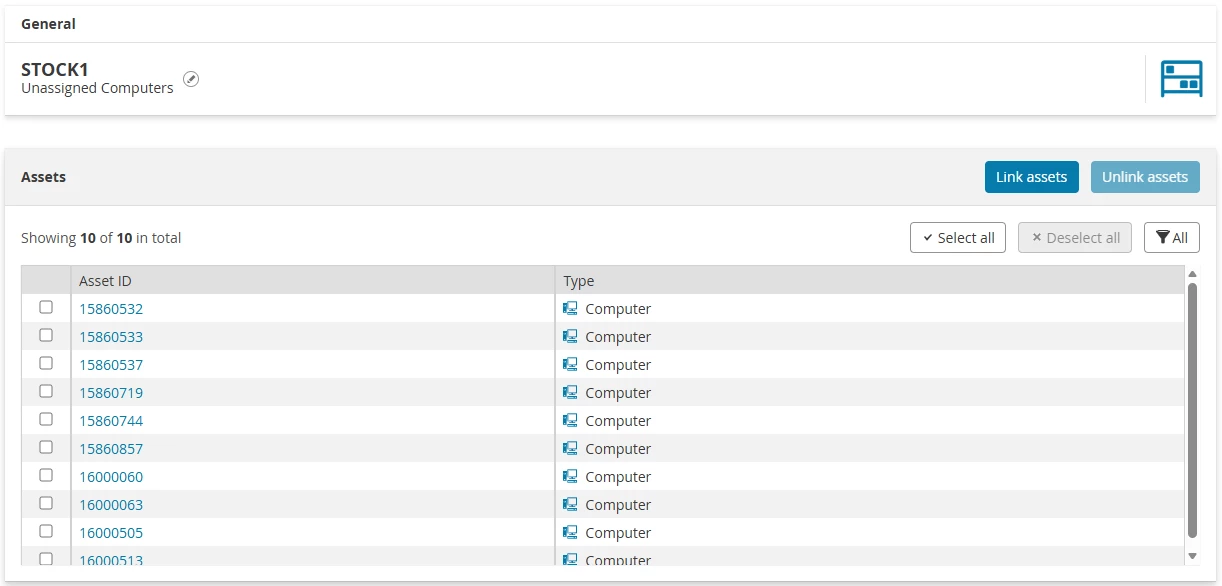
Thanks in anticipation

Alex
1 reply

Forum|alt.badge.img

As far as I know and was able to get out of testing it, it is not possible to show more information then currently showing in your screenshot.

The only way to view more information is to click on the Asset ID and check on the asset card itself.

Maybe a possible work around would be to also assign a specific field to your computer/laptop template where you specify that it's a loan device, for example:

If you fill that field for the specific devices you could create an overview including this field in your Asset Overview, so you can quickly see all of the loan laptops including valid information.

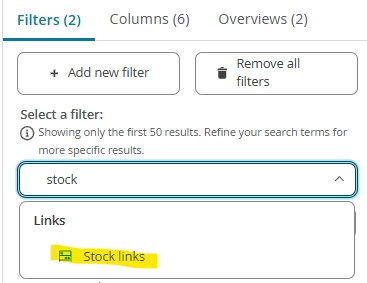
You can first add the filter in your overview:


And then save the overview in the top right corner with the big blue save button! 😄