


Rich Text in Incident Management is rolling out
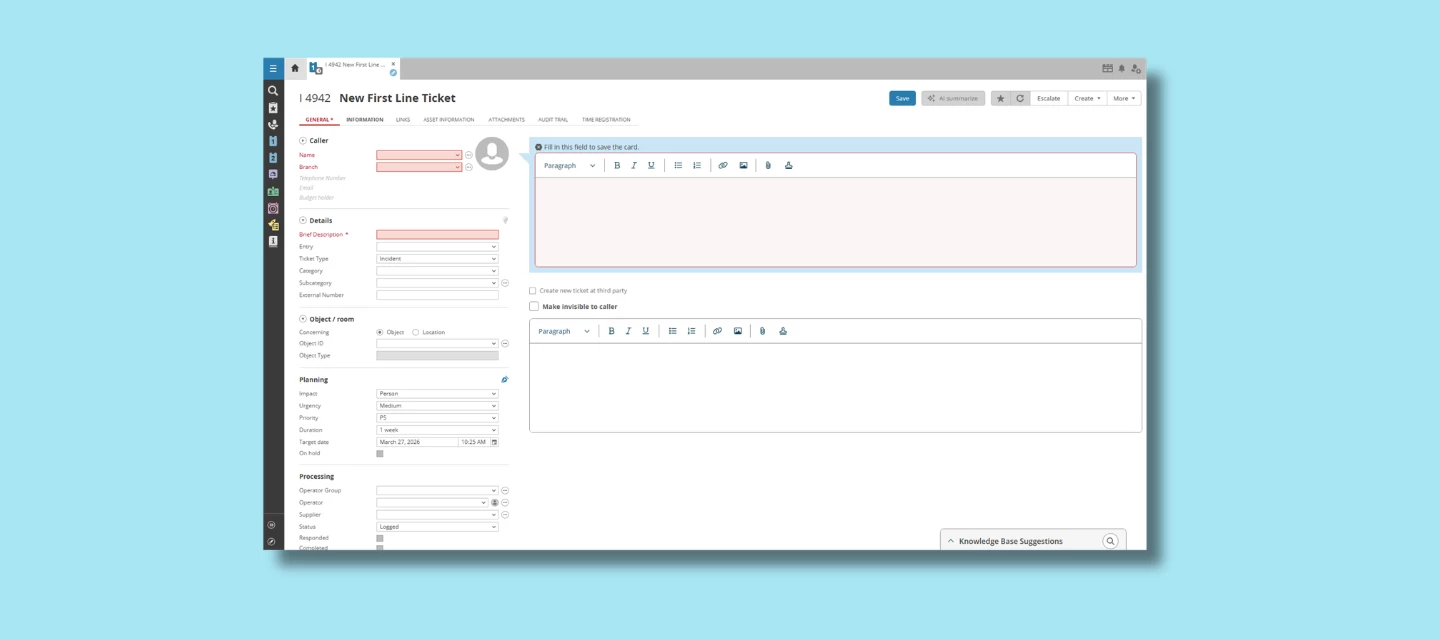
We’re excited to share that the refreshed Rich Text Editor in Incident Management will soon be available in customer environments. While the core features remain familiar, the updated editor makes it faster and more reliable to work with formatted text and images—so operators can document incidents more efficiently.
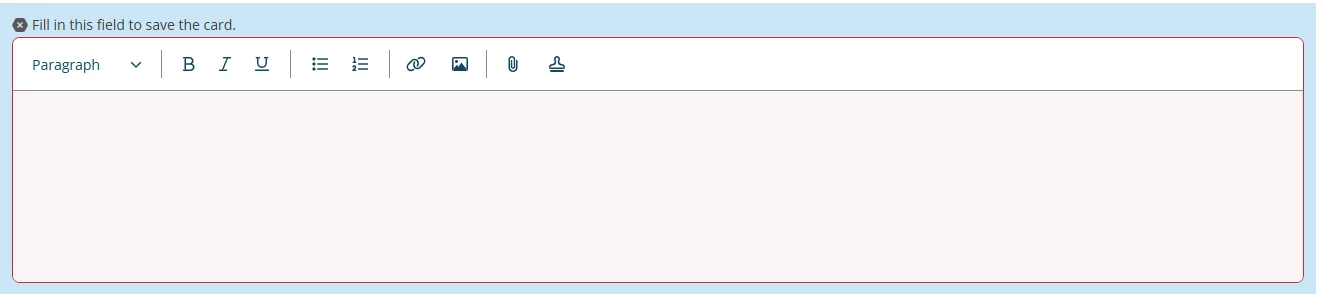
What’s new?
The focus of this update is not new formatting capabilities, but a smoother and more predictable editing experience. Especially when working with copied content or images from other sources.
A more modern and consistent design
The editor now matches the look & feel of other renewed TOPdesk interfaces, making content easier to read and interactions more consistent.
Improved stability and behavior
Editing, formatting and pasting behave more predictably. This helps keep longer updates, multi-step instructions and operational notes clean and readable.
Faster, more consistent handling of pasted content
When you copy text that includes an image, you can paste it directly into the progress trail. The image will appear inline, so you no longer need to download or upload it separately.
When it may not work
There are still situations where pasting an image doesn’t work as expected. This can have different causes, for example, the way a website protects its images or how an image is stored in the source you’re copying from.
In those cases, you may see an error such as:
“For security reasons, we could not retrieve the image that you are trying to paste from {url}. You could right‑click or long press, select ‘copy image’, and then paste it. Alternatively, try downloading, and then uploading, the image manually.”
This behavior ensures images remain secure, accessible and correctly stored within TOPdesk.
A phased rollout
To ensure a smooth transition, the rollout happens in phases:
- Rollout begins 16 March
- Environments running version 16.03.007 or higher become eligible
- The editor is not activated immediately with this version
- Migrations start after this version becomes available in your environment
- All SaaS environments are expected to receive the update during the first week of April
You don’t need to take action—your environment will receive the editor automatically as it enters the rollout batch.
Ongoing rollout updates can be found in KI 18723.
Using integrations?
To support images in the new editor, several Incident Management API endpoints have been updated.
This affects integrations that:
- read incident notes containing inline images
- store or transform formatted content
- rely on HTML structure inside messages
For a complete overview of the technical changes, see KI 18044.
If your automated actions or integrations retrieve or process formatted content, we recommend reviewing them before the update reaches production.
We’d love your feedback
Rich Text improvements have been a long‑standing customer request, and we’re thrilled to bring a more stable, modern experience to your environment soon.
You can share your thoughts in the comments and if you want to contribute ideas or suggestions for future improvements, you can also leave your feedback in TIP.