


Lansweeper now available as an Asset Import source in TOPdesk!
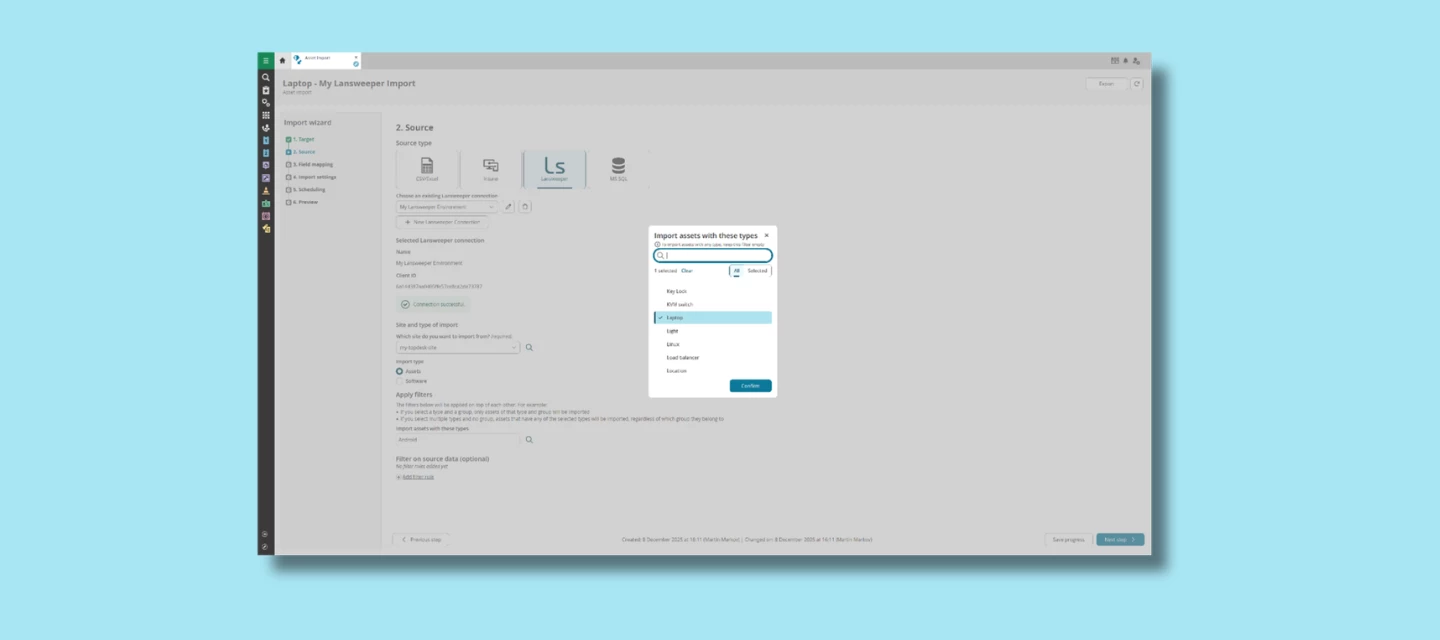
Great news for everyone working with Asset Management in TOPdesk! Lansweeper is now officially available as a native source type for Asset Management imports. This release makes it easier than ever to keep your asset data complete, consistent, and fully aligned with what’s happening across your network.
An up‑to‑date CMDB is essential for smooth IT operations. From faster incident resolution to better lifecycle management and smarter decision-making. With this new integration, TOPdesk can automatically bring in asset and software information based on the Lansweeper scans you already rely on. No more manual corrections or chasing outdated spreadsheets. Just accurate, real‑time data that supports your daily work.
What’s New?
A built‑in Lansweeper import source
Inside the import wizard of Asset Management Import, you can now select Lansweeper as a source type – simply navigate to Settings > Import settings > Asset Management imports > Imports. The integration fits seamlessly into the import flow you're familiar with, making it easy to set up and maintain.
Continuous syncing with your network scans
Once connected, TOPdesk can automatically import assets or software discovered in Lansweeper — helping you maintain a continuously accurate and complete asset overview.
Improved reliability over older connectors
Previous external integrations were harder to maintain and not part of the core product. This new integration is fully supported within TOPdesk, ensuring greater consistency and long‑term reliability.
Still using the legacy integration? Upgrade to our new solution and connect Lansweeper as your Asset Management import source to enjoy improved reliability and a more seamless user experience.
Why This Matters
With Lansweeper as an import source, your team can:
- Save time by eliminating manual imports
- Improve data quality through reliable, automated updates
- Speed up incident handling thanks to accurate device details
- Support onboarding & offboarding with clear insight into who has what
- Make smarter budget decisions by spotting unused or duplicate assets
It’s a practical, impactful enhancement that immediately strengthens your daily workflows.
Want to Set It Up?
If you’d like to get started with connecting your Lansweeper environment to TOPdesk, you’ll find all configuration steps, including creating API credentials and linking both systems, in our documentation portal. This guide walks you through the setup from start to finish, so you can begin importing your Lansweeper data with confidence.
Questions or Experiences to Share?
We’d love to hear how this new integration supports your workflows. Feel free to share your questions or feedback here in the Community!