


AI Translation: one click, any language
Updated: September 27th 2026.
AI Translation is now available in incidents and replies. If your team handles tickets in more than one language, this one's for you.
Don't speak French? No problem. One click and the ticket ,including replies, is in your own language, so you can help the person who wrote it in theirs, without ever opening Google Translate.
The problem it solves
Operators on multilingual service desks know how this goes: a ticket or reply arrives in a language you don't speak, and before you can even start helping, you're already switching tabs, copying text into a public tool, and hoping the translation makes sense. It slows you down, the quality varies, and pasting customer data into external tools is something nobody should be doing.
What AI Translation does
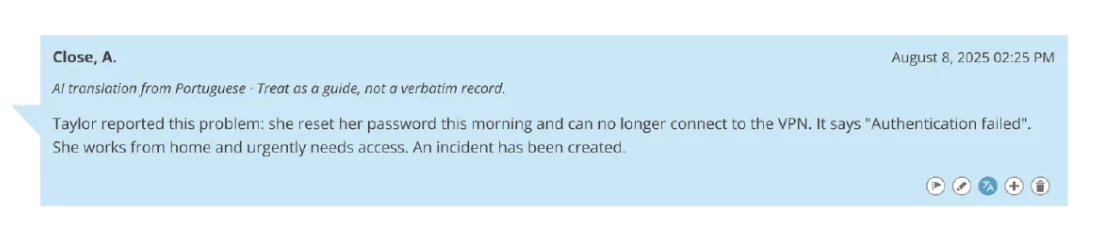
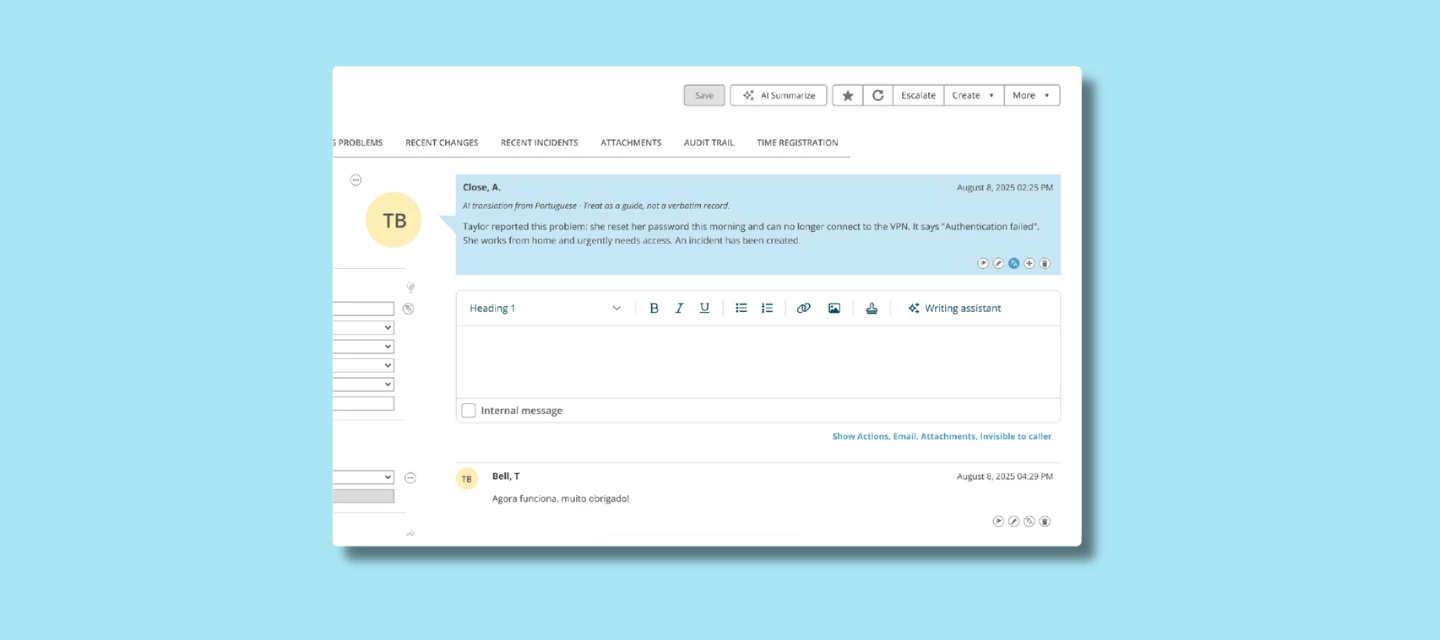
The translation button sits directly in the incident card. Click it, and the ticket is translated into your own language instantly, without leaving TOPdesk.
That now includes replies too. When a caller responds to an incident in the Self-Service Portal, you can translate their reply into your own language the same way, right where you're already working.
No plugins, no copy-pasting, no workarounds.
Who it's for
Any operator who works across more than one language. Some teams support up to 19 different languages on their service desk. AI Translation means none of their operators ever get stuck on a language barrier, in the original ticket or anywhere in the conversation.
How to get started
AI Translation is available since August 2026 as part of the Excellent plan. You'll find it directly in the incident card, no additional setup needed. More documentation can be found on our documentation portal.
What do you think?
Does your team regularly deal with tickets in languages they don't speak? How are you managing it today and does this solve the problem you've been running into? Share your experience below.